1 / Plan
Break the idea down
Turn a loose game concept into a short scope: one mechanic, one test, one visible outcome.
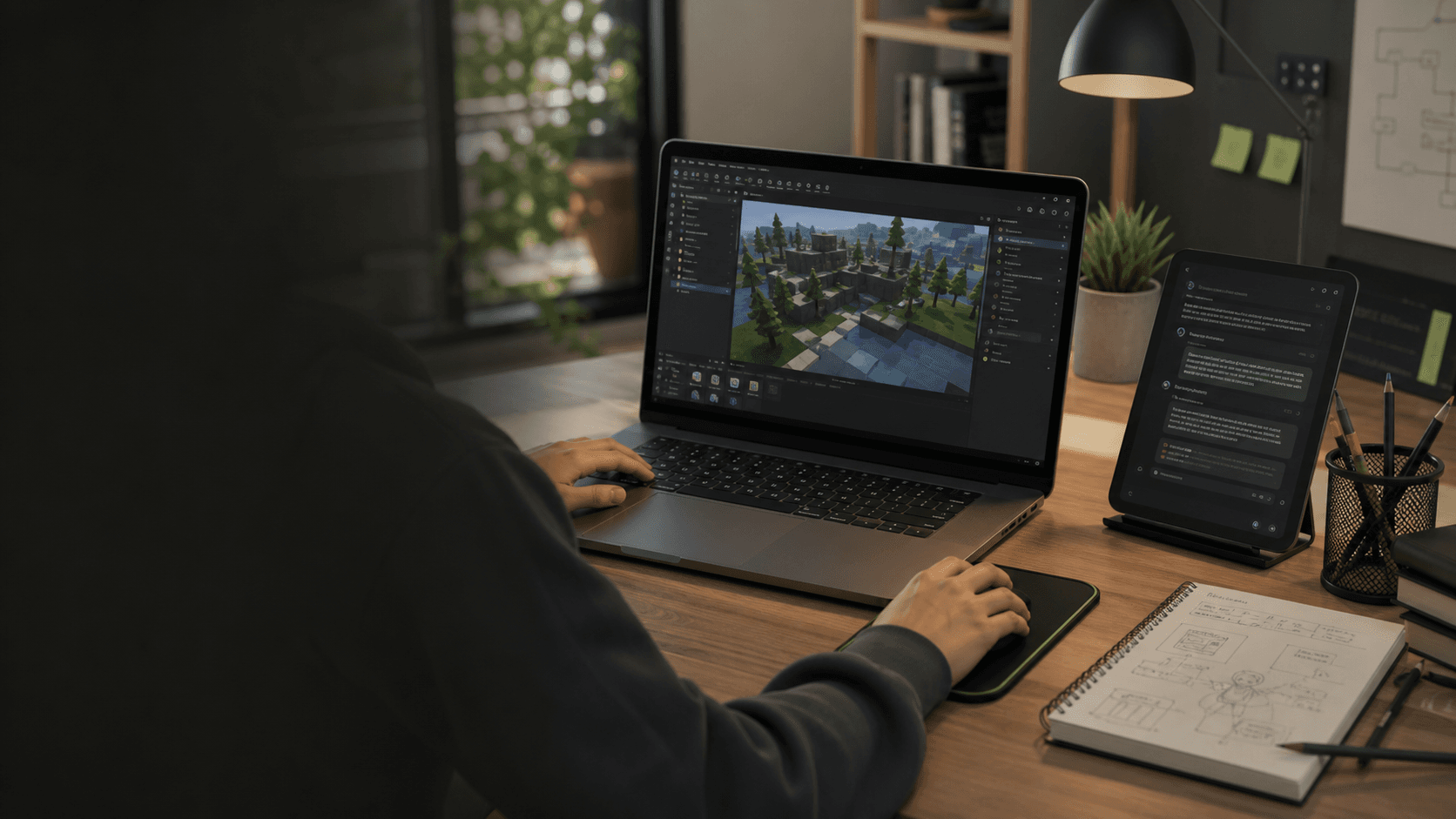
Coaching sessions for beginners who want to turn ideas into playable Roblox Studio games, using AI the right way: to learn, test, fix, and improve.
Trial lesson: $25 / 30 min
The coaching loop
1 / Plan
Turn a loose game concept into a short scope: one mechanic, one test, one visible outcome.
2 / Prompt
Use prompts that ask for explanations, assumptions, and checks before jumping to code.
3 / Build
Create small scripts, read what each part does, and connect code to in-game behavior.
4 / Debug
Reproduce errors, narrow the cause, test a hypothesis, and turn the fix into a reusable habit.
Problem
Many people open Roblox Studio full of ideas, then quickly get stuck: code that does not work, confusing tutorials, messy projects, and AI prompts that return answers that are hard to understand.
Solution
Instead of copying random scripts, you learn to think like a creator: define an idea, split the project into small parts, use AI to explain concepts, generate examples, find errors, and improve your game.
How it works
A simple process for moving from idea to playable prototype, always with explanation and validation.
We start with your game idea and turn it into a simple plan.
We create a first playable version with basic mechanics.
You learn how to write better prompts and interpret the answers.
We fix errors together and explain why they happened.
We improve gameplay, UI, organization, and the player experience.
Benefits
The focus is not magic. It is learning faster, with better guidance and less blind trial and error.
Get a clear path, direct feedback, and less time wasted on disconnected tutorials.
Learn to question, test, and adjust answers instead of pasting code without context.
Each script is broken down into small blocks, with a focus on logic and in-game behavior.
Turn an idea into simple mechanics you can test, show, and improve.
Read errors, isolate problems, and use AI to reach better hypotheses.
The goal is to become more independent, not tied to a tool or a teacher.
Structure scripts, ideas, and tasks so your game does not turn into a mess.
Bring your concept and work through gameplay, UI, and next-step decisions.
What you will learn
A practical base for creating, testing, and improving experiences in Roblox Studio.
AI used properly
AI does not replace learning. It accelerates people who learn well.
Session formats
You can start alone, with friends, or by bringing a project that is already stuck.
Most focused
Personal support at the student's pace, ideal for starting from zero or unblocking a project.
Flexible
Small groups for friends, classes, or clubs that want to learn together.
Flexible
Focused help for a game already in progress: mechanics, bugs, organization, and next steps.
Flexible
A first session to understand goals, current level, and the best learning format.
Pricing
Prices are listed in USD. Start with the $25 trial lesson, choose a focused one-to-one session, or keep momentum with the $39.99 monthly membership.
Start here
$25
30-minute fit check
A focused first session to align goals, assess the current level, and choose a simple plan.
Stripe Checkout can show Apple Pay on supported devices. PayPal appears when a PayPal payment link is configured.
Coaching option
$45
60-minute private session
A dedicated session to learn, build, or solve blockers in your Roblox project.
Stripe Checkout can show Apple Pay on supported devices. PayPal appears when a PayPal payment link is configured.
Coaching option
$39.99
per month
Ongoing support for learners who want steady progress between live sessions.
Stripe Checkout can show Apple Pay on supported devices. PayPal appears when a PayPal payment link is configured.
For learners under 18, booking and payment should be handled by a parent or guardian.
FAQ
Short answers to the questions people are most likely to ask before a first session.
No. The coaching can start from zero and adapts to your current level.
No. AI is used as a learning tool to speed up tests and solve blockers, not as a replacement for understanding.
Roblox Studio, a Roblox account, and access to an AI tool. The details can be adjusted for each student.
It can be, depending on age and maturity. For minors, communication and payments should be handled by a parent or guardian.
Yes. The best project is usually one that genuinely motivates you.
Yes, the structure can support one-to-one sessions or small groups.
Trial lesson
Book a $25 trial lesson to understand your level, the right session format, and the next steps.